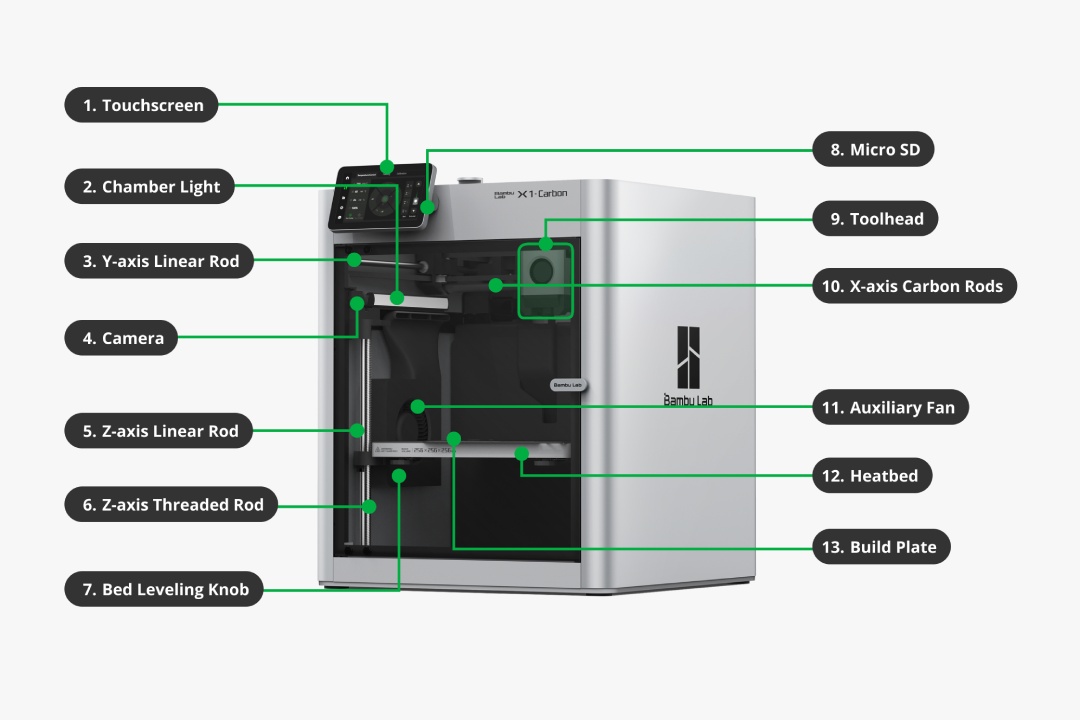
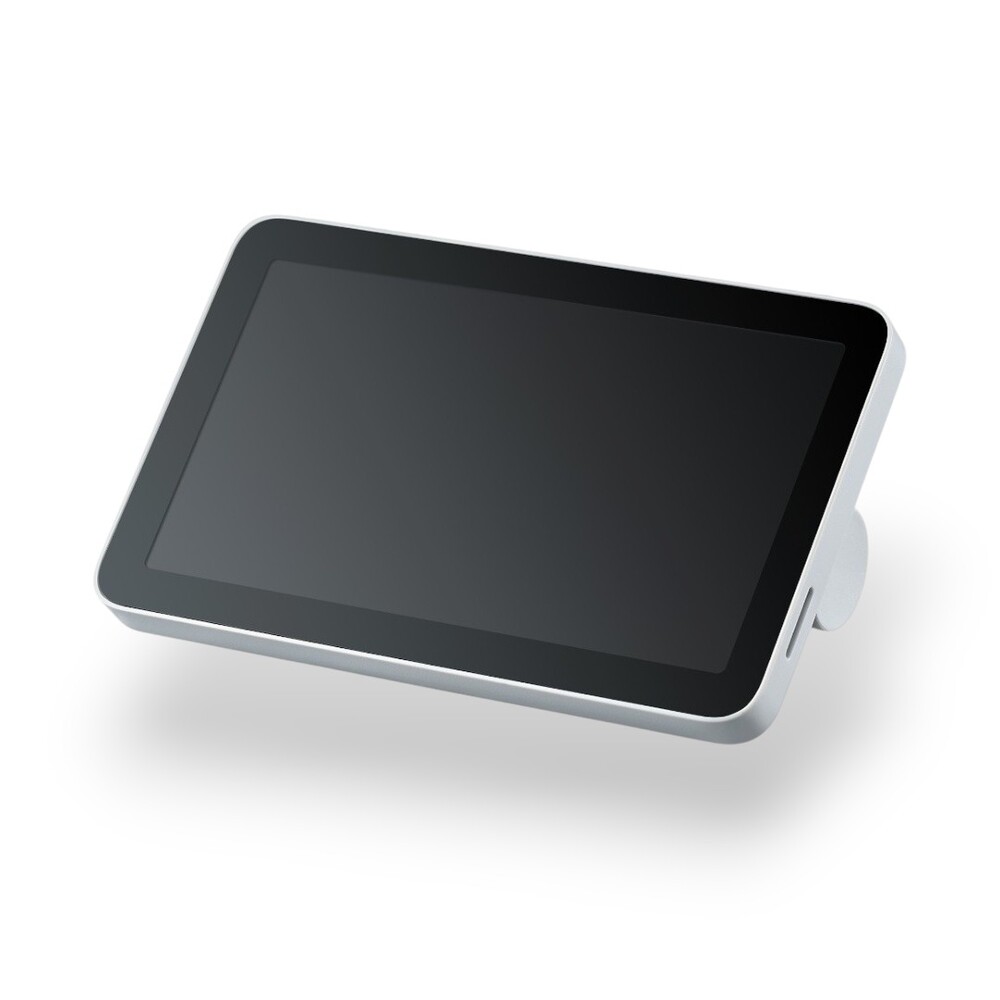

- Display: 5-inch HD IPS matrix (1280x720 px).
- Touchscreen: capacitive sensor for instant response.
- Adjustment: adjustable tilt angle from 5° to 55°.
- Interfaces: built-in microSD card slot for easy access.
- Compatibility: for Bambu Lab X1 series 3D printers only.
Bambu Lab X1 Series High Resolution 5-inch Touchscreen
5-inch HD Touchscreen for Bambu Lab X1 is an original interface component designed exclusively for the X1 series 3D printers. The display provides full control over the device, allowing real-time management of 3D printing tasks, changing settings, and monitoring system status through an intuitive menu. With high resolution and a modern IPS matrix, interaction with the printer becomes as convenient and visual as possible.
Advantages of the Bambu Lab Touchscreen
Installing the original display ensures stable operation and comfortable management:
- High image clarity. The IPS matrix with a resolution of 1280x720 pixels and an aspect ratio of 16:9 guarantees a bright and detailed picture.
- Capacitive touch. The sensitive panel provides a quick and accurate response to touches, making menu navigation easy and smooth.
- Adjustable viewing angle. The design allows changing the screen tilt angle in the range of 5° to 55°, ensuring optimal visibility regardless of the 3D printer's location.
- MicroSD card support. The screen is equipped with a microSD card slot, providing convenient access to external files and updates.
- Full integration. The original part is perfectly compatible with the Bambu Lab ecosystem, ensuring no errors during connection.

Application Options
- Print monitoring: displaying current progress, time to completion, and the status of printer components.
- Task management: launching new models for printing, pausing, or canceling printing directly from the device.
- Parameter settings: prompt changes to the extruder temperature, bed, or fan speed during operation.
- Diagnostics and maintenance: viewing system messages and performing calibration procedures.
Technical Tips and Safety
Replacing the screen requires care and adherence to basic rules for working with electronics:
- Power off. Before starting the replacement, be sure to turn off the printer and disconnect it from the power supply.
- Component protection. Avoid contact of metal tools with electronic board elements to prevent short circuits.
- Originality. To ensure reliability, it is recommended to use only original Bambu Lab parts.
- Surface care. Regularly clean the screen from dust and grease from fingerprints. Check the screen and connections, especially after transporting the 3D printer.
Your printer deserves quality management! Order the original 5-inch HD touchscreen for Bambu Lab X1 in our store with delivery across Ukraine. Place your order online for a quick restoration of your 3D printer's full functionality!
No questions about this product, be the first and ask your question.