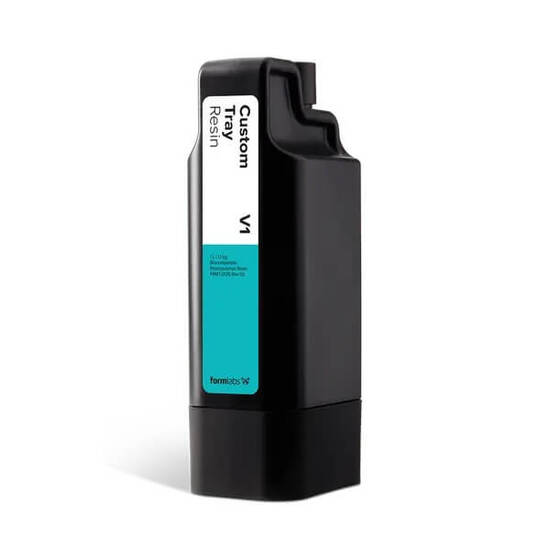
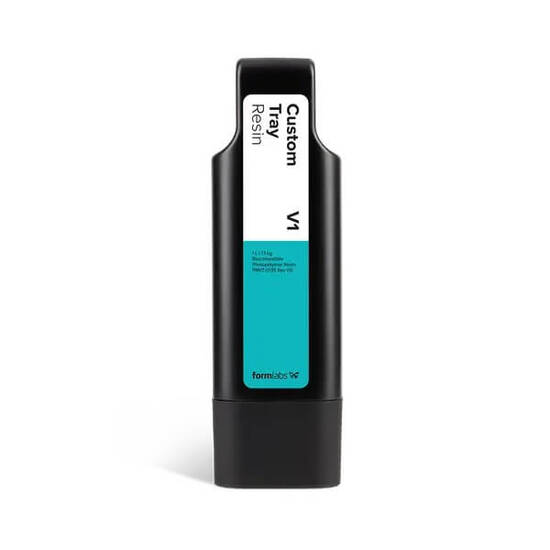
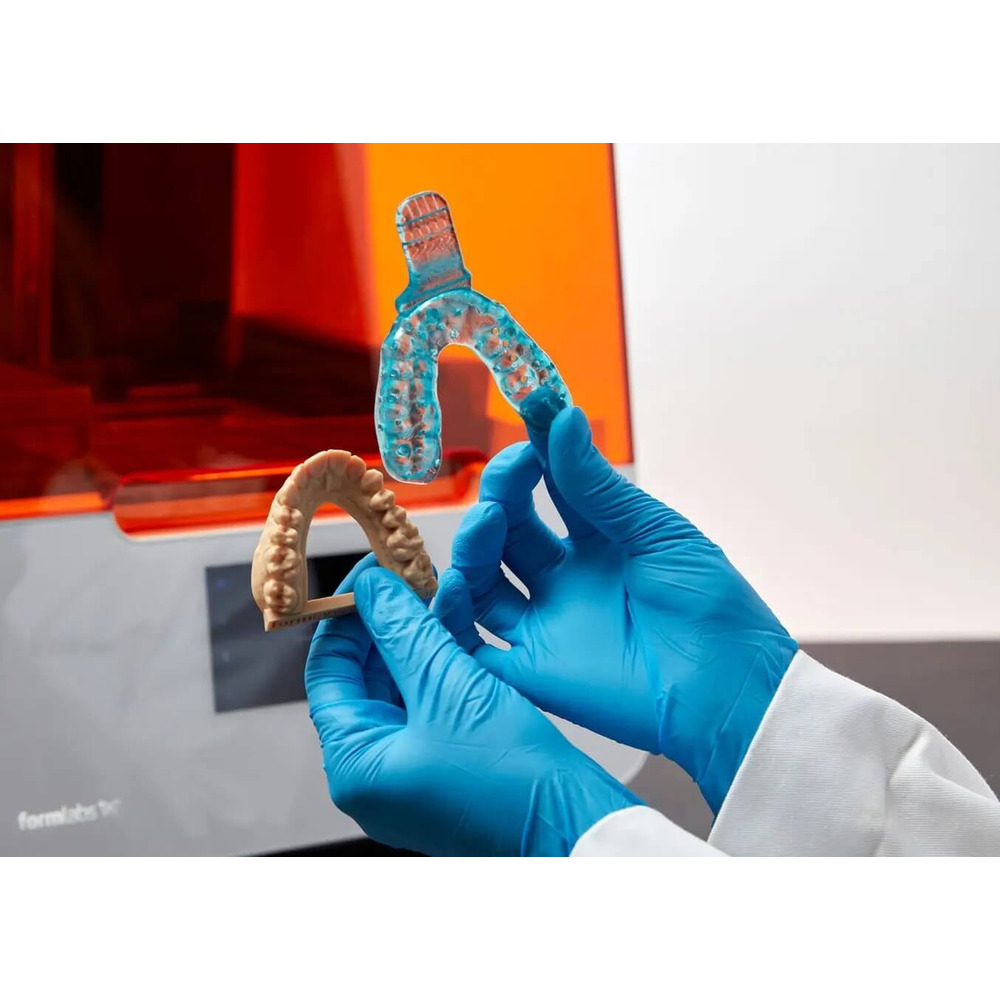
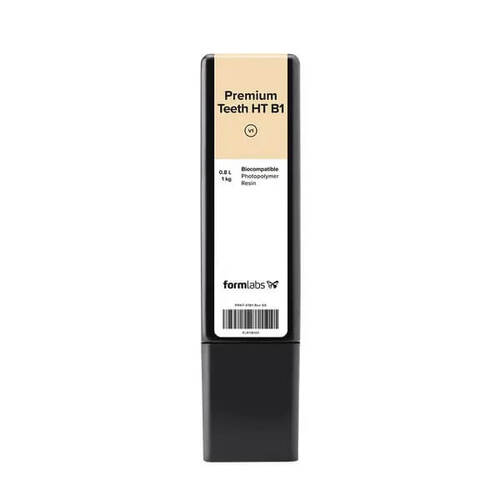
Optimize your restorative workflow with the
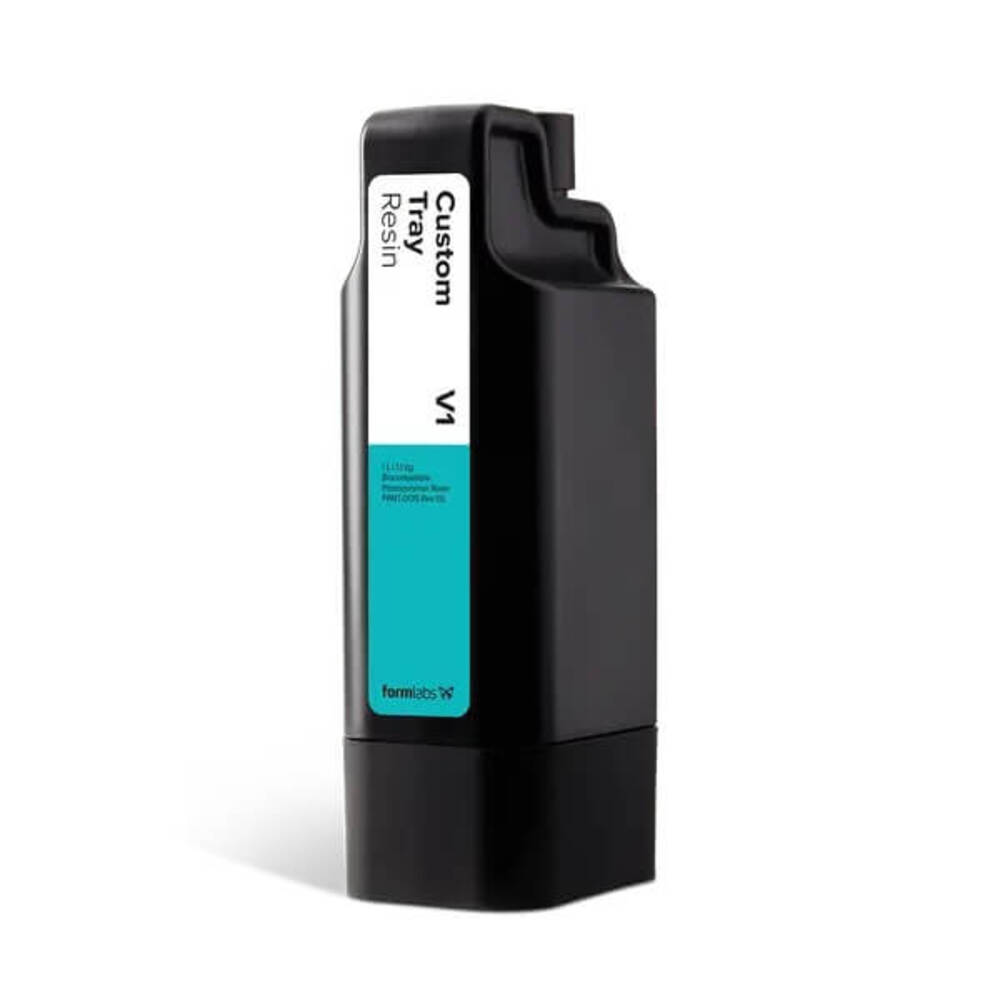
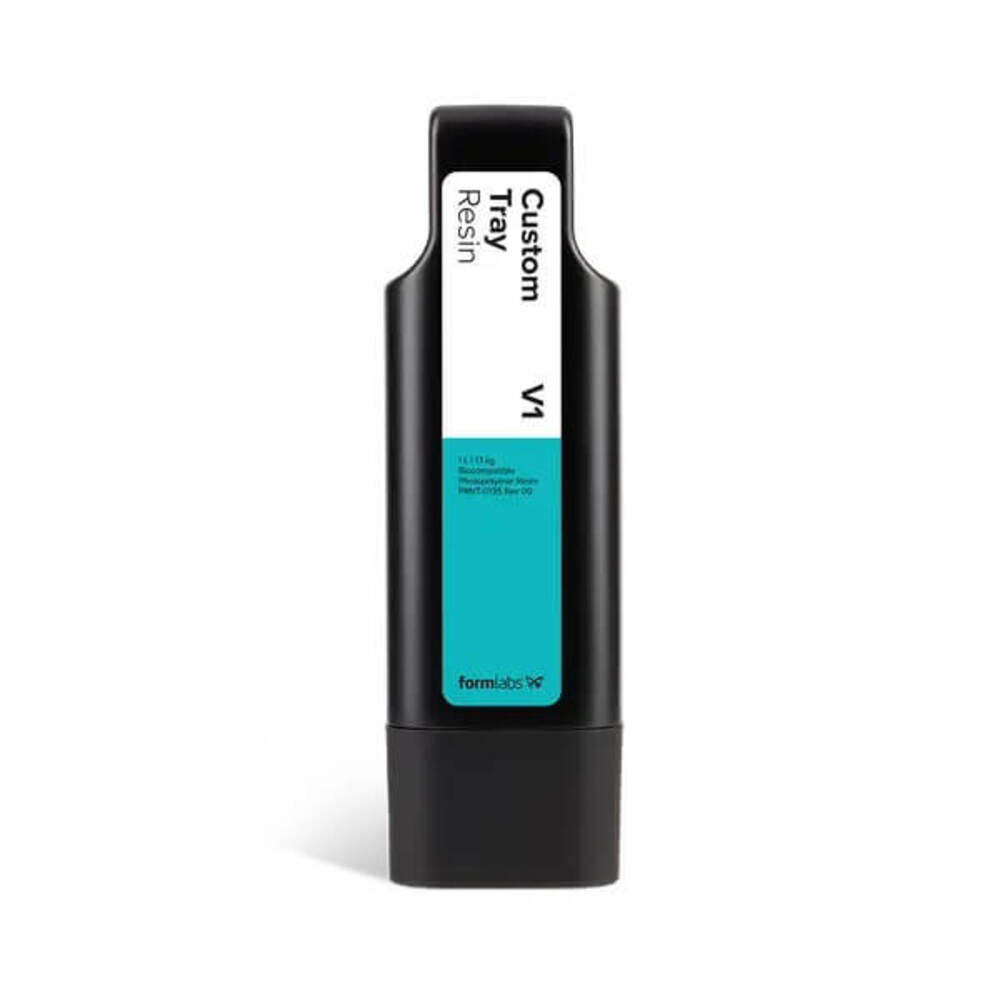
Formlabs Custom Tray Resin Cartridge Form 4, 1L, a leading
material in digital dentistry. This rapid-printing, biocompatible resin is
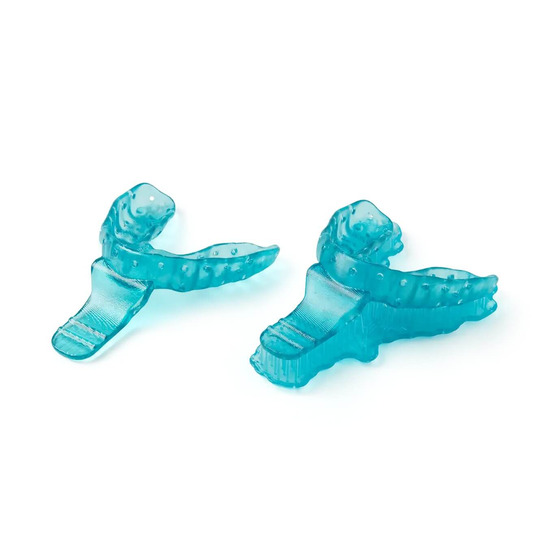
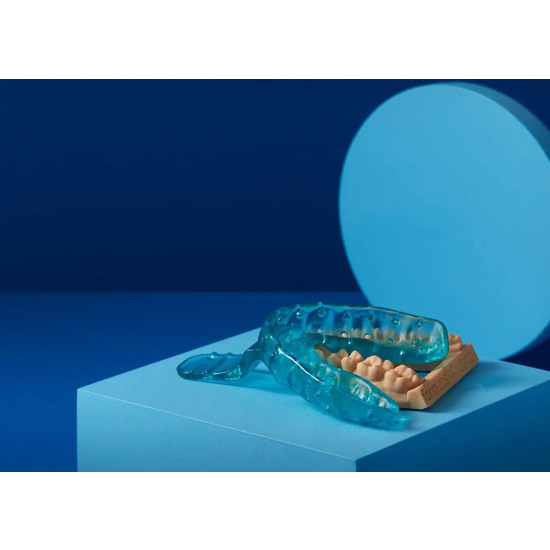
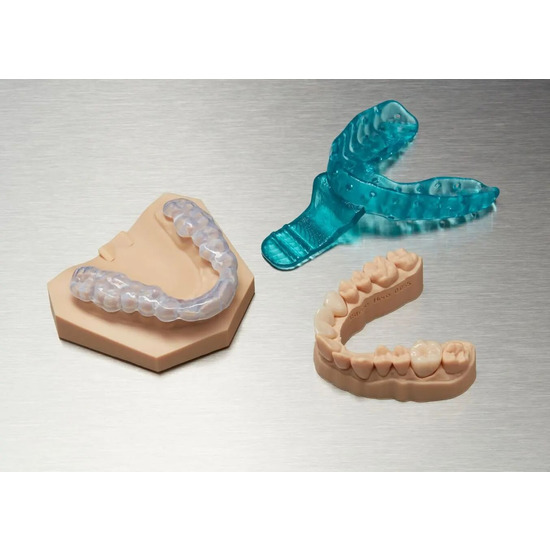
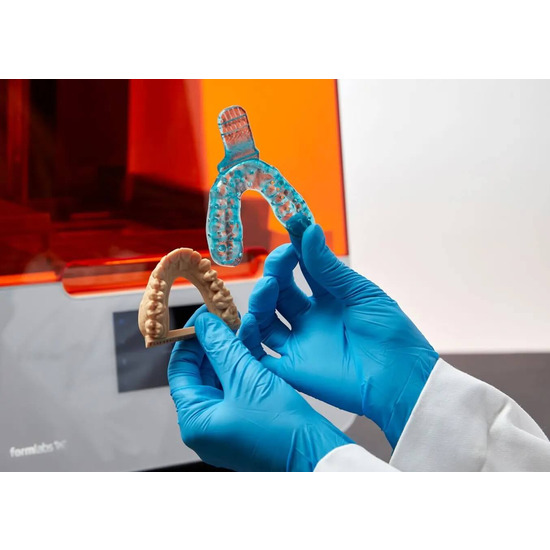
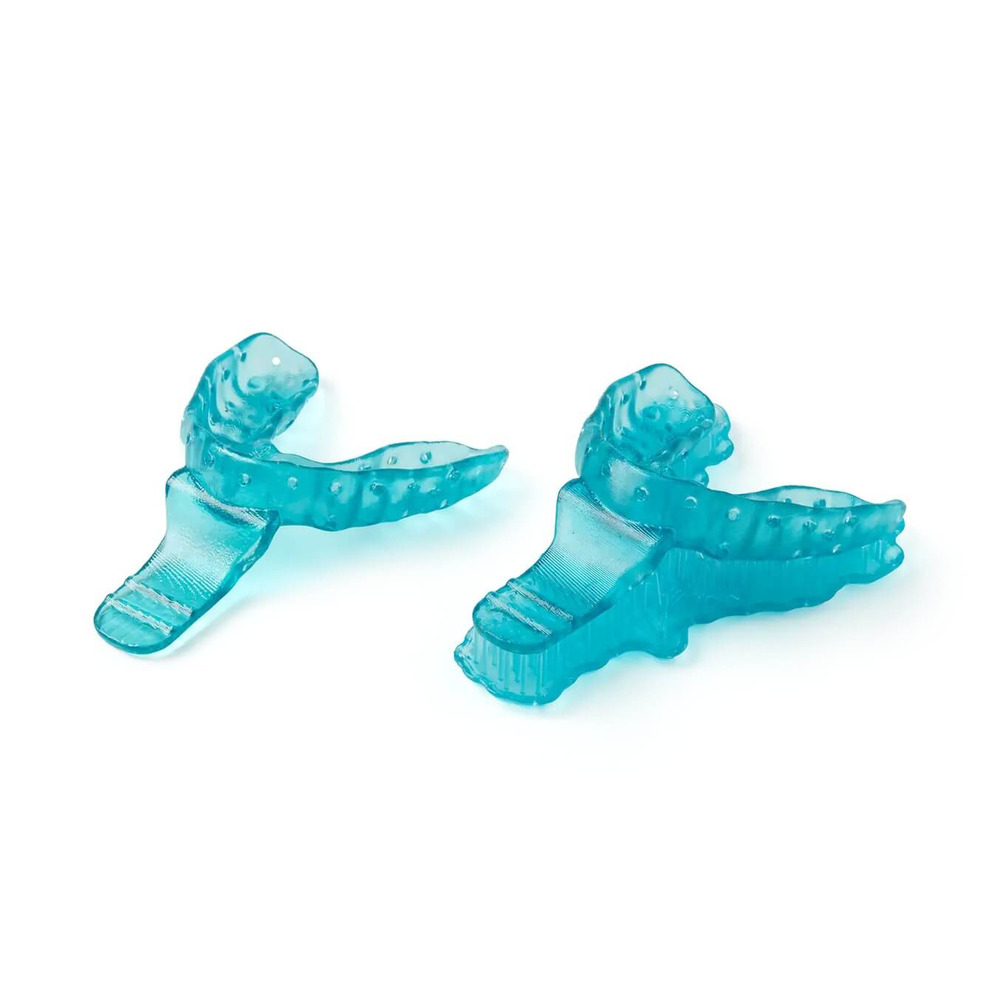
engineered to produce exceptionally accurate, patient-specific impression
trays with remarkable speed. By incorporating this material, you can
streamline the production of trays for implants, dentures, and crowns,
significantly improving workflow efficiency and delivering superior clinical
results that enhance your practice's productivity.
Key Benefits for the Modern Clinic
Accelerate Clinic Throughput
Significantly reduce labor time and increase your practice's capacity.
Formlabs Custom Tray Resin is designed for speed, printing full impression
trays at a 200-micron layer height. This rapid production capability allows
you to attend to more patients each day without sacrificing the precision or
quality of the final tray, making it an essential tool for any high-volume
practice.
Achieve Flawless Digital Accuracy
Adopt a fully digital process to achieve perfect, repeatable outcomes. This
material guarantees the creation of consistently precise, patient-matched
trays, which are essential for high-quality dentistry. The resin's stability
and accuracy ensure that every impression serves as a reliable foundation for
crowns, bridges, implants, and other complex restorative procedures.
Perfectly Adapted for Any Patient
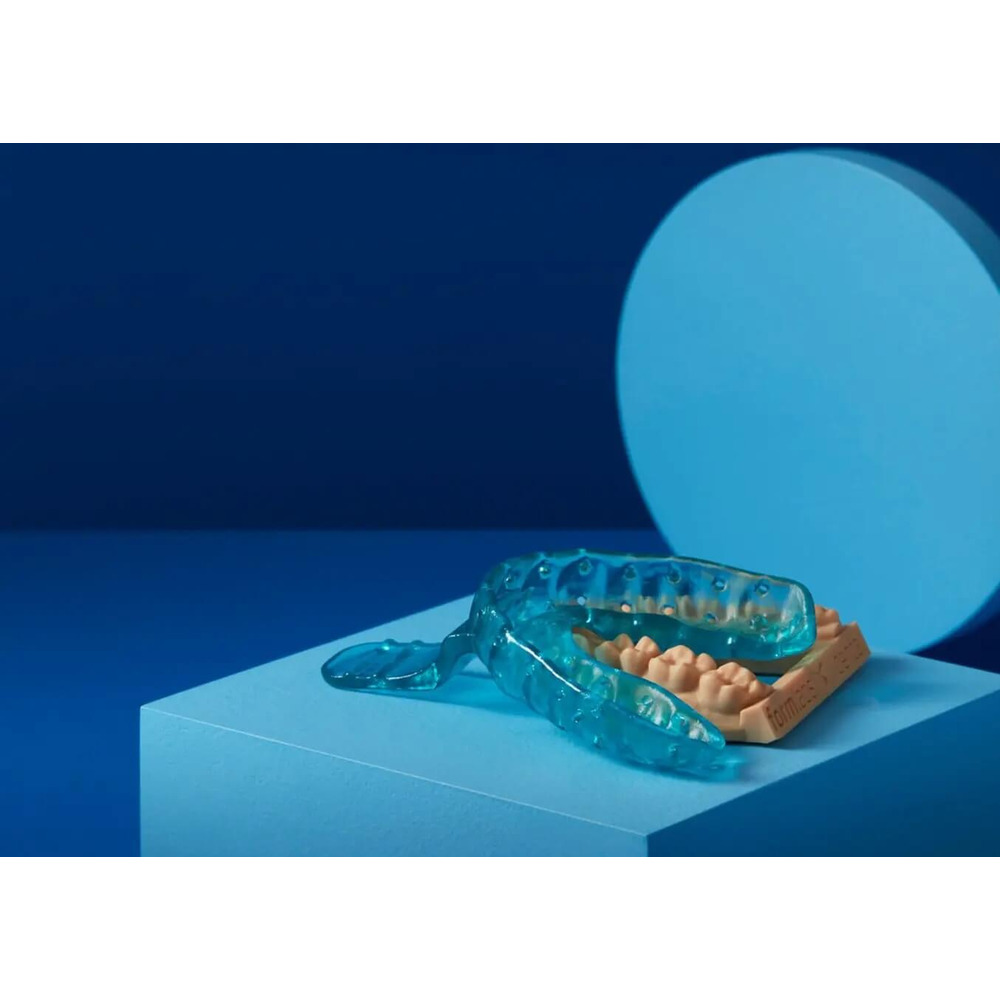
Confidently manage even the most complex dental anatomies. This resin allows
you to manufacture custom-fitting impression trays that perfectly capture
every detail of a patient's oral structure. This results in the creation of
superior definitive models, which in turn ensures an ideal fit for the final
restorations and greatly improves patient comfort and satisfaction.
Certified for Complete Peace of Mind
Patient safety is the top priority. Custom Tray Resin is a fully biocompatible
material, certified and safe for intraoral use. This provides both the
clinician and the patient with total confidence, knowing that the materials
used are reliable, safe, and adhere to strict industry standards for quality
and care.
Ideal Clinical Applications
The Go-To Solution for Custom Impression Trays
Enhance your practice's capabilities by using the
Formlabs Custom Tray Resin Cartridge Form 4, 1L for a wide
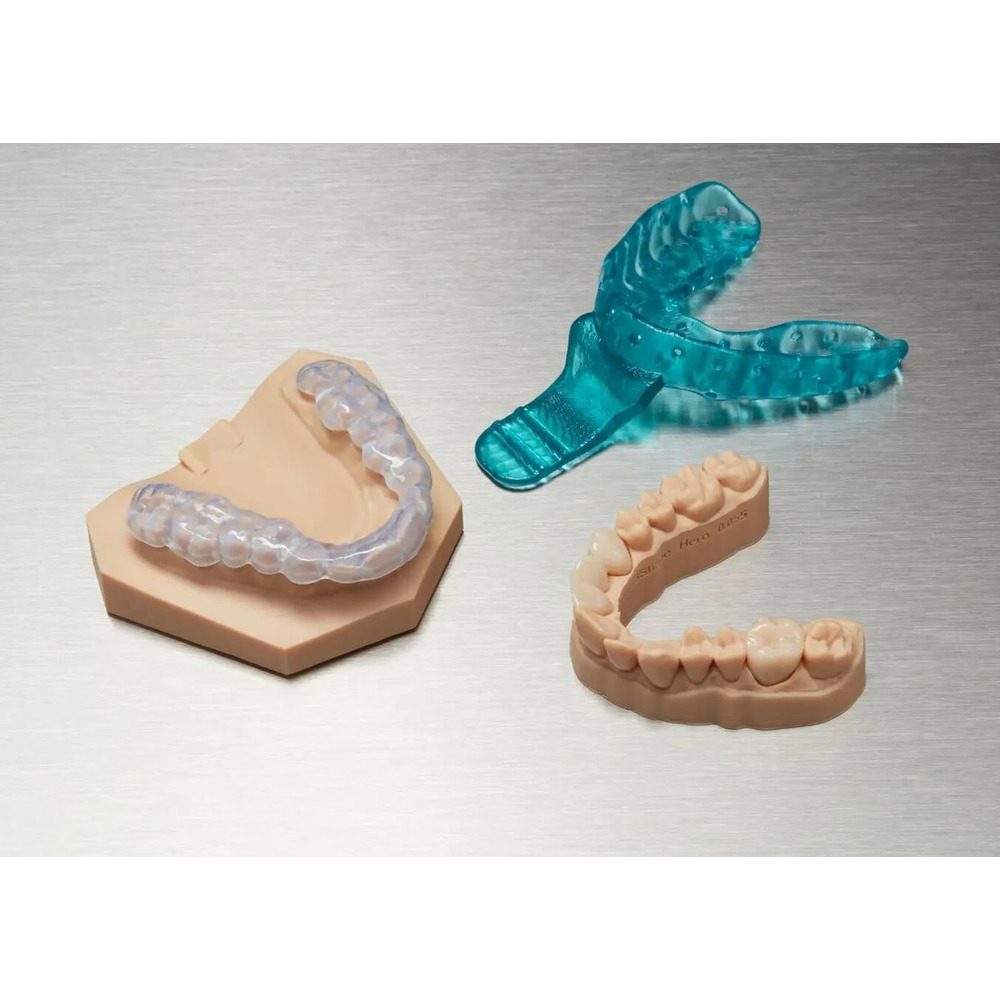
variety of procedures. It is the definitive choice for producing custom
impression trays for crowns and bridges, implants, dentures, and other complex
dental cases. Its reliability ensures you capture a highly precise definitive
impression every time, optimizing your entire restorative process.
Technical Specifications
Ultimate Tensile Strength: ≥ 70 MPa
Young's Modulus: > 2500 MPa
Elongation: > 3%
Hardness Shore A: < 80A
Step-by-Step Workflow Guide
Follow this detailed guide to integrate Formlabs Custom Tray Resin into your
digital workflow and ensure consistent, high-quality results for every
patient.
Required Equipment and Software
The process begins with a digital record of the patient's dentition and
requires the following:
Hardware and Materials:
Formlabs Form 2, Form 3B, or newer SLA 3D printer
A compatible Resin Tank (e.g., Form 2 Resin Tank LT, Form 3 Resin Tank v2 or
higher)
Build Platform
Formlabs Custom Tray Resin
Form Wash
Form Cure
Finishing Kit or secondary wash station
Desktop 3D scanner (for physical impressions)
Low-speed dental handpiece with appropriate cutting/finishing wheels
Isopropyl alcohol (IPA) with ≥ 99% purity
Software:
Formlabs PreForm Software (v3.6.1 or later)
Printer Firmware (v1.7.3 or later)
Dental CAD software (e.g., 3Shape, ZirkonZahn.Tray) or a design service
partner
Step 1: Scan
Capture a digital impression of the patient's anatomy, which will serve as the
foundation for your tray design. This can be done by scanning the patient
directly with an intraoral 3D scanner or by scanning a physical PVS impression
or stone model with a desktop 3D scanner.
Step 2: Design the Custom Tray
Using your preferred dental CAD software, design the custom impression tray.
Key design parameters include a minimum wall thickness of 2 mm and a handle
thickness of at least 3 mm. For use with heavy body impression materials, it
is recommended to incorporate 3 mm diameter retention holes. After finalizing
the design, export it as an STL file.
Step 3: Print
Import the STL file into the PreForm software. Choose "Custom Tray" as the
material and select a 200-micron layer height for the fastest print speed.
Orient the tray with its intaglio surface facing away from the build platform
to minimize support structures on critical surfaces. Use automatic support
generation or add them manually. After setup, shake the resin cartridge, load
it into the printer with a build platform and a compatible tank, and start the
print.
Important: To maintain biocompatibility and prevent
cross-contamination, Custom Tray Resin requires the use of a dedicated resin
tank and build platform. This tank should only be used with other Formlabs
biocompatible resins, such as
Surgical Guide Resin.
Step 4: Post-Process
After printing is complete, follow these steps meticulously:
Remove Parts: While wearing gloves, carefully detach the
printed trays from the build platform with a removal tool.
Wash: Submerge the parts in a Form Wash containing IPA
(≥99%) and run a 10-minute wash cycle. Do not exceed this duration to
maintain dimensional accuracy.
Dry: Take the parts out of the IPA and allow them to air
dry for at least 30 minutes. You can use compressed air to expedite this.
Ensure no liquid resin or alcohol remains.
Post-Cure: For optimal mechanical properties and full
biocompatibility, place the clean, dry parts in a Form Cure and cure them at
60°C for 30 minutes.
Remove Supports: Use a cutting disk on a handpiece to
carefully remove the support structures. Avoid pulling or ripping them off
to prevent surface damage.
Finish and Polish: Use a carbide rotary tool to smooth any
marks left by the supports, ensuring patient comfort. For a high-gloss
finish, you can polish the tray using standard dental acrylic polishing
techniques.
Step 5: Clean and Disinfect
Before use in a clinical setting, clean the finished tray with a soft
toothbrush, neutral soap, and water. Inspect it for any cracks. Disinfect the
tray based on your facility's protocols. A validated method involves soaking
the tray in fresh 70% IPA for 5 minutes. Do not exceed this time. Inspect the
tray's integrity again after disinfection.
Note: IPA disinfection is not compatible with Impregum
polyether impression materials. Alternative disinfection methods must be
validated by their respective manufacturers.
Why Purchase from 3DPrinter?
Upgrade your dental practice with Formlabs Custom Tray Resin. As
official Formlabs partners, we provide the best pricing, a
full manufacturer's warranty, and dedicated service support.
Our team of experts, with industry experience since 2012, is here to offer professional advice
and assist with your selection. We provide qualified support before, during,
and after your purchase to ensure your success. Shop with the experts at
3DPrinter.
Key Parameters
Printing technology
LFD
Volume (L)
1
Model
Form 4, Form 4L, Form 4B, Form 4BL
Layer height (µm)
Form 4/4B-50, 100
Biocompatibility
Yes
Country of origin
USA
Material Parameters
Polymerization Needed
Required
Reviews
0/ 5
average product rating
Write a review
0
0
0
0
0
There are no reviews for this product. Be the first to leave your review.
No questions about this product, be the first and ask your question.
We use cookies and other tracking technologies to improve the website, personalize content, and analyze traffic. You can adjust your settings in the settings.
Necessary cookies enable core functionality of the website. Without these cookies the website can not function properly.
Statistic cookies help website owners to understand how visitors interact with websites by collecting and reporting information anonymously.
A set of cookies to collect information and report about website usage statistics without personally identifying individual visitors to Google.
Marketing cookies store user data and behavior information, which allows advertising services to target more audience groups.
We use cookies and other tracking technologies to improve the website, personalize content, and analyze traffic. You can adjust your settings in the settings.
Necessary cookies enable core functionality of the website. Without these cookies the website can not function properly.
Statistic cookies help website owners to understand how visitors interact with websites by collecting and reporting information anonymously.
A set of cookies to collect information and report about website usage statistics without personally identifying individual visitors to Google.
Marketing cookies store user data and behavior information, which allows advertising services to target more audience groups.